
In the Go3 Self-Service Portal, you can view your Go3 payment information, pay your bill, change or remove your current payment method, and redeem a discount coupon in your account.
You can find your new customer number on bills issued starting in March 2025.
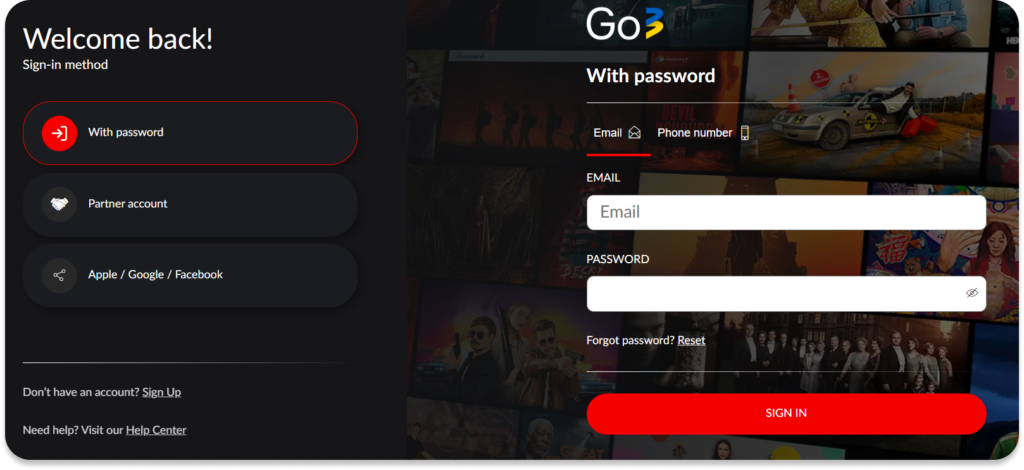
How to navigate to the Go3 subscription & billing section?
- Log in to your Go3 account using a web browser on your computer.
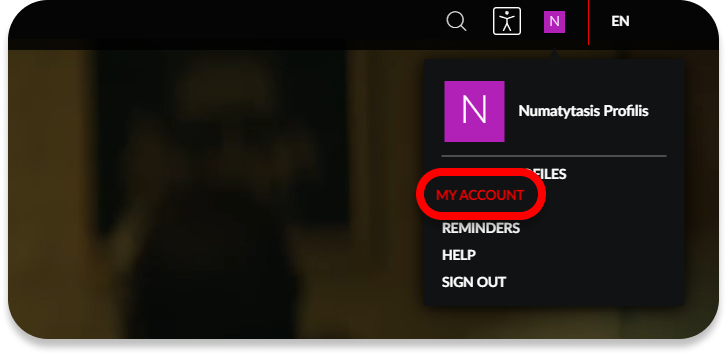
- Click on your profile at the top right and click My account.
- Select Manage subscription & billing.
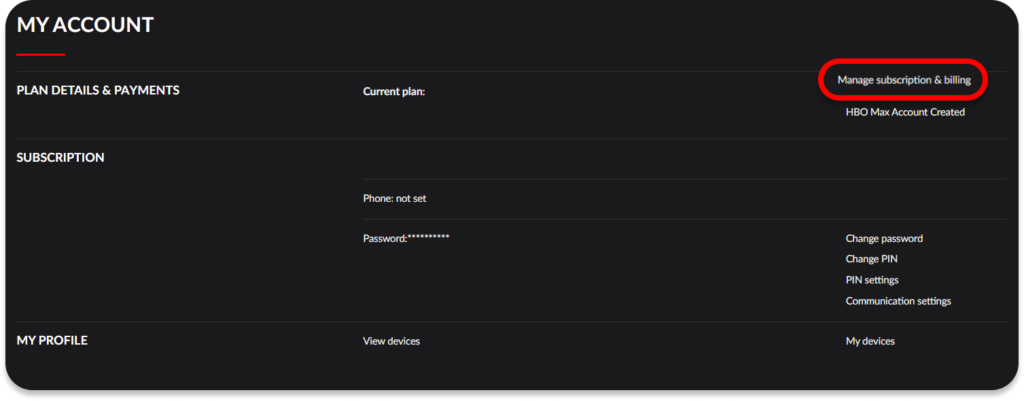
- In the Subscription section you can:
- See your currently active plan, set phone number and subscription name.
- Add, remove or change your payment method.
- Redeem voucher – if you have a Go3 subscription without a terminated agreement, you activate your voucher/coupon code using this button.
- Pressing on „Invoices and payments“ will allow you to:
- See your current Go3 subscription status.
- Applied discount code and it’s expiration date.
- Previous payments.
- The option to download all invoices in PDF format.
- The price of the plan as well as the option to Pay now if your payment hasn’t been made yet.
If you are using your mobile device’s browser (not the Go3 application), then open the side menu on the left and select My account.
Visit My Go3 account settings to learn more about the changes you can do yourself in your Go3 account.